AI Tattoo Generator
Design a tattoo before it touches skin. Generate custom tattoo designs in any style, try them on your photo, and print a real-size stencil for your artist.
STEP 1 / 4
Choose a design
Describe it for AI, or upload your own.
StyleFine line
Prompt ideas
Free account needed to generate · uploads & examples work without one
Designs
9 examples
Styles
Tattoos you can design
Name the style in your prompt or pick it from the list — the generator returns stencil-friendly linework.
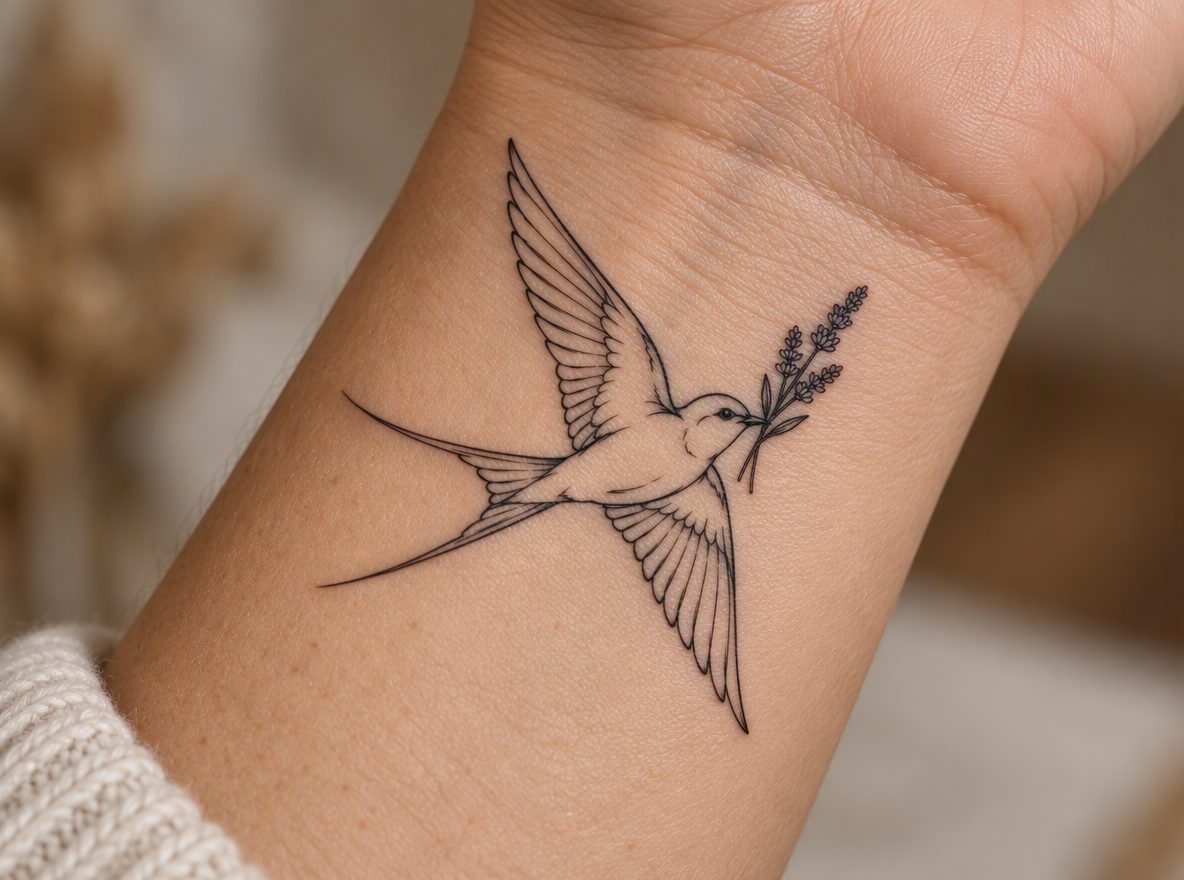
Fine line and minimalist
Single-needle work, small symbols and clean script — designs that depend on the right size.
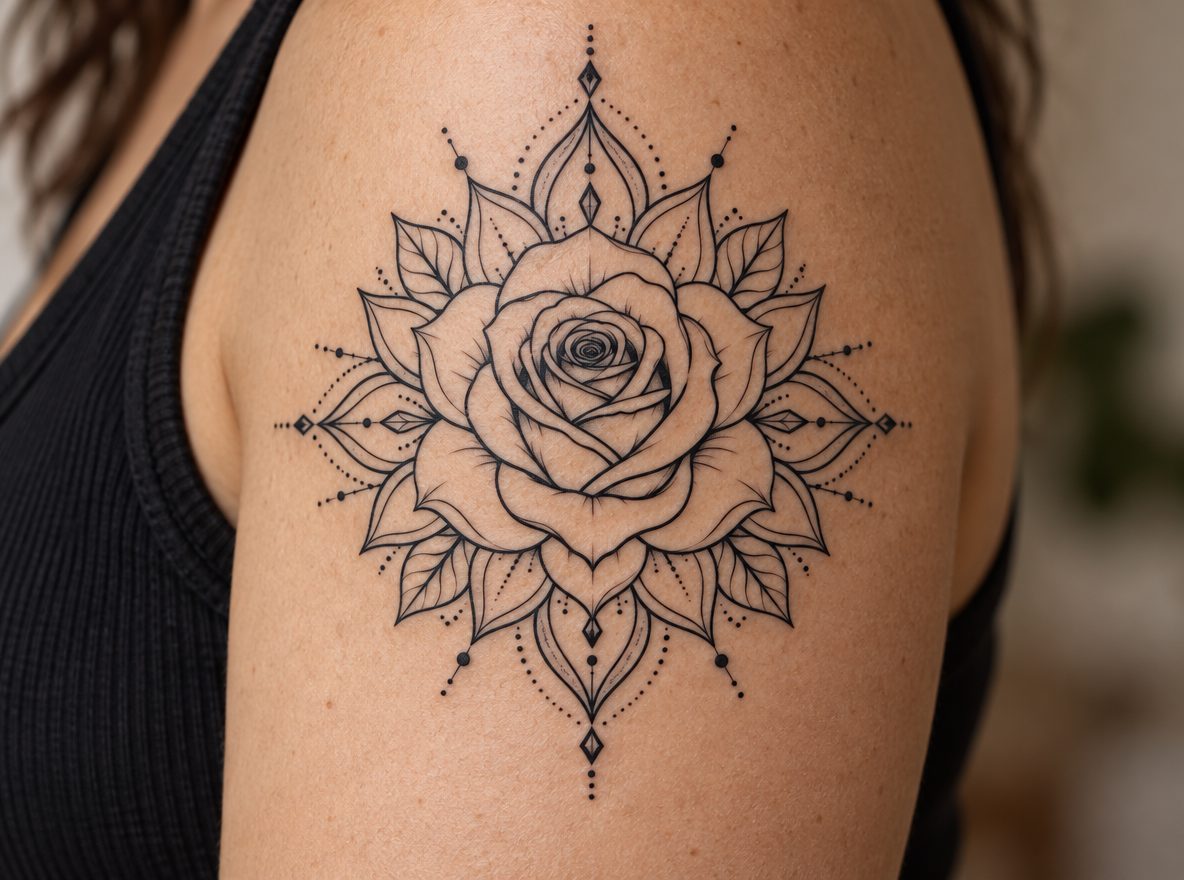
Dotwork and geometric
Mandalas, symmetry and stippled accents, converted into outlines your artist can shade.
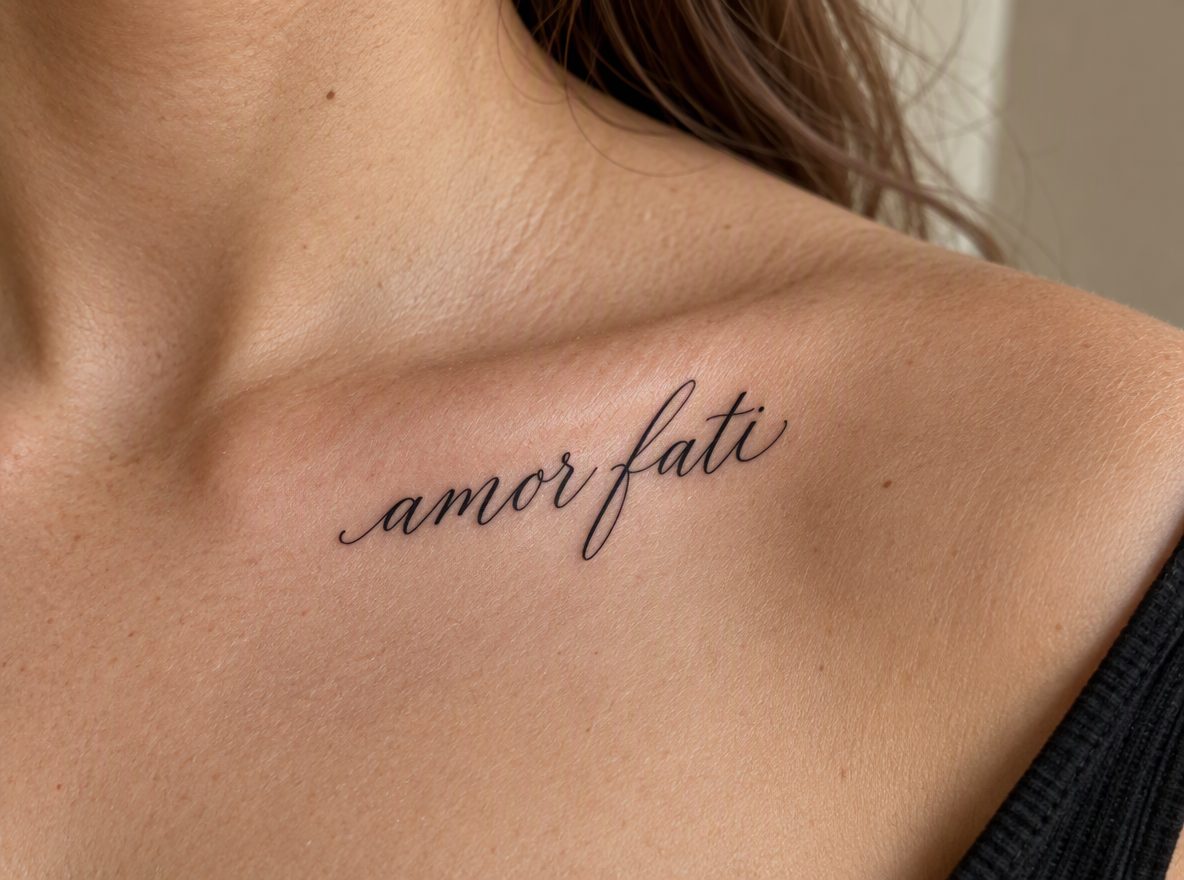
Lettering and script
Names, words and dates in cursive or bold lettering — mirrored correctly on the stencil.
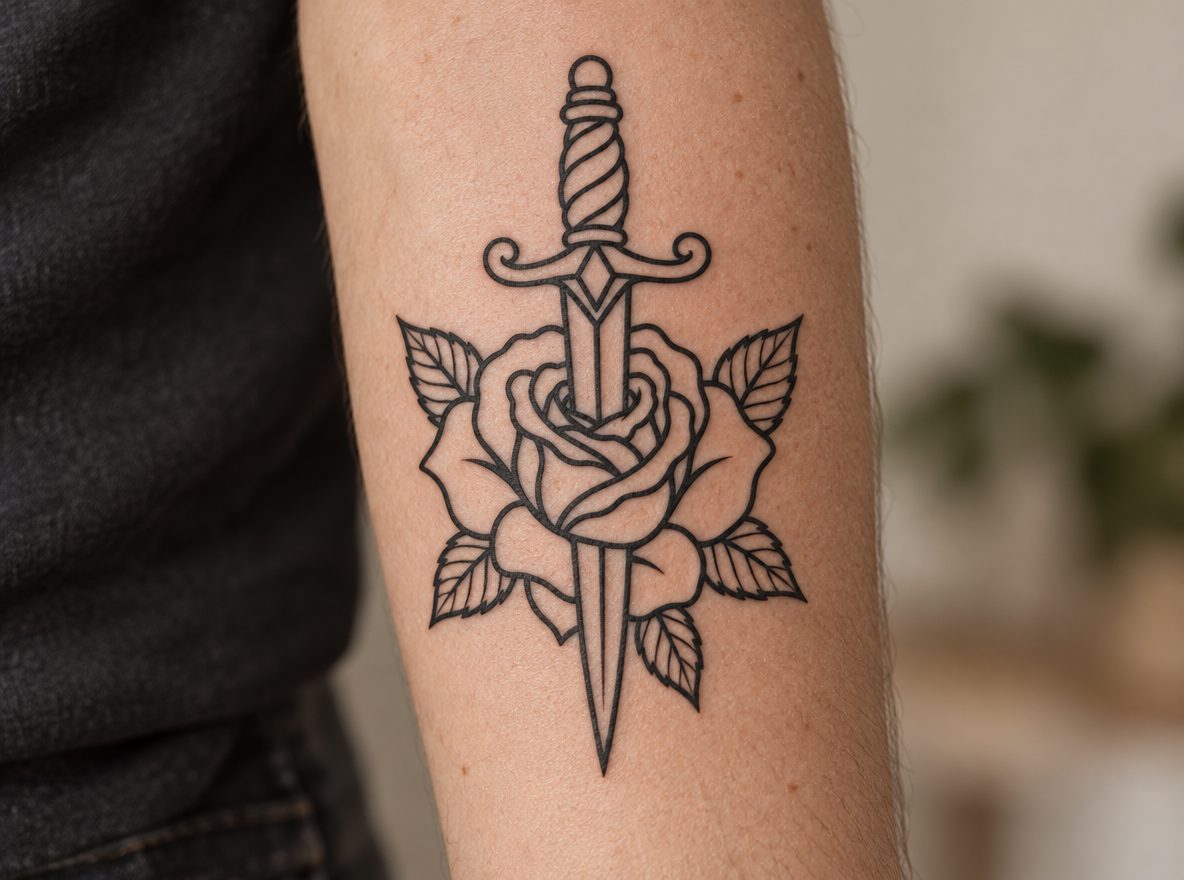
Traditional and neo-traditional
Bold outlines, roses, daggers and classic flash that hold up at small sizes.
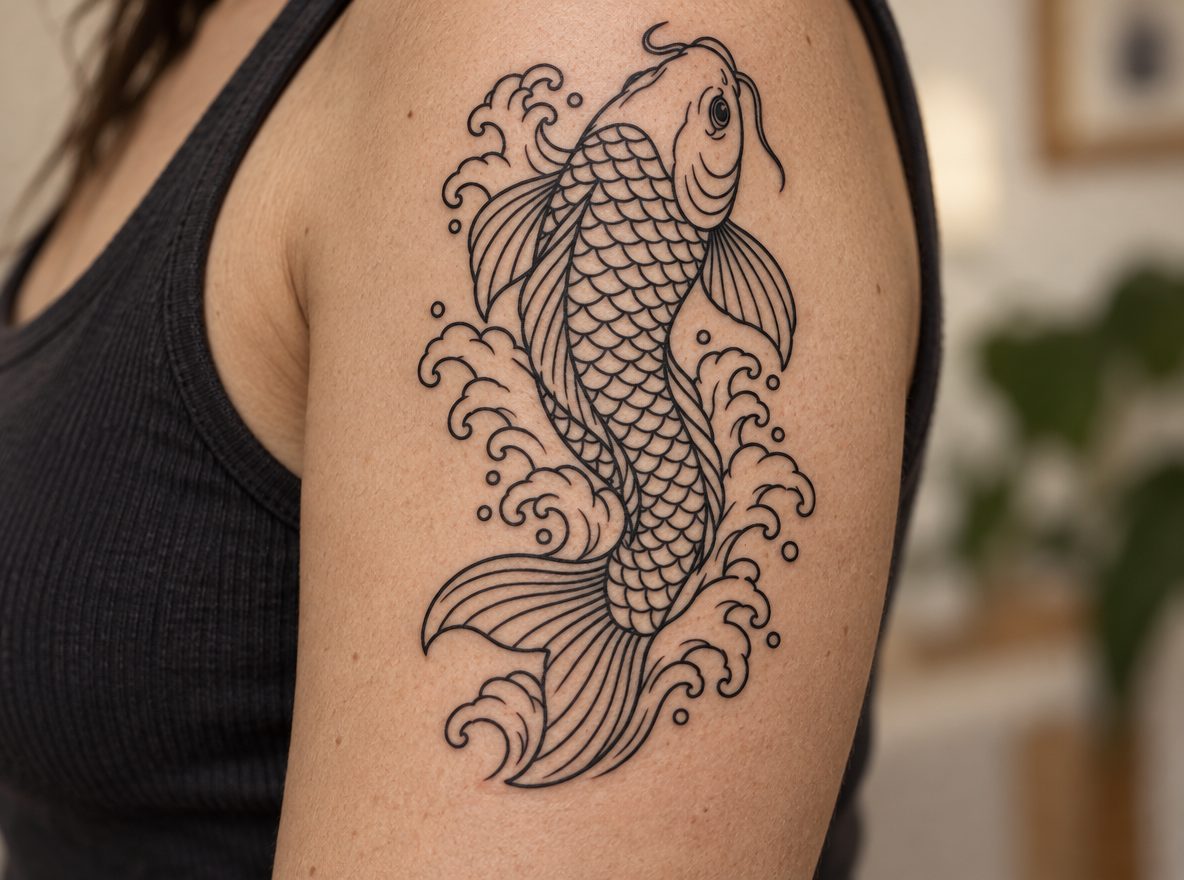
Japanese irezumi
Koi, waves and flowing compositions planned for the upper arm or back.
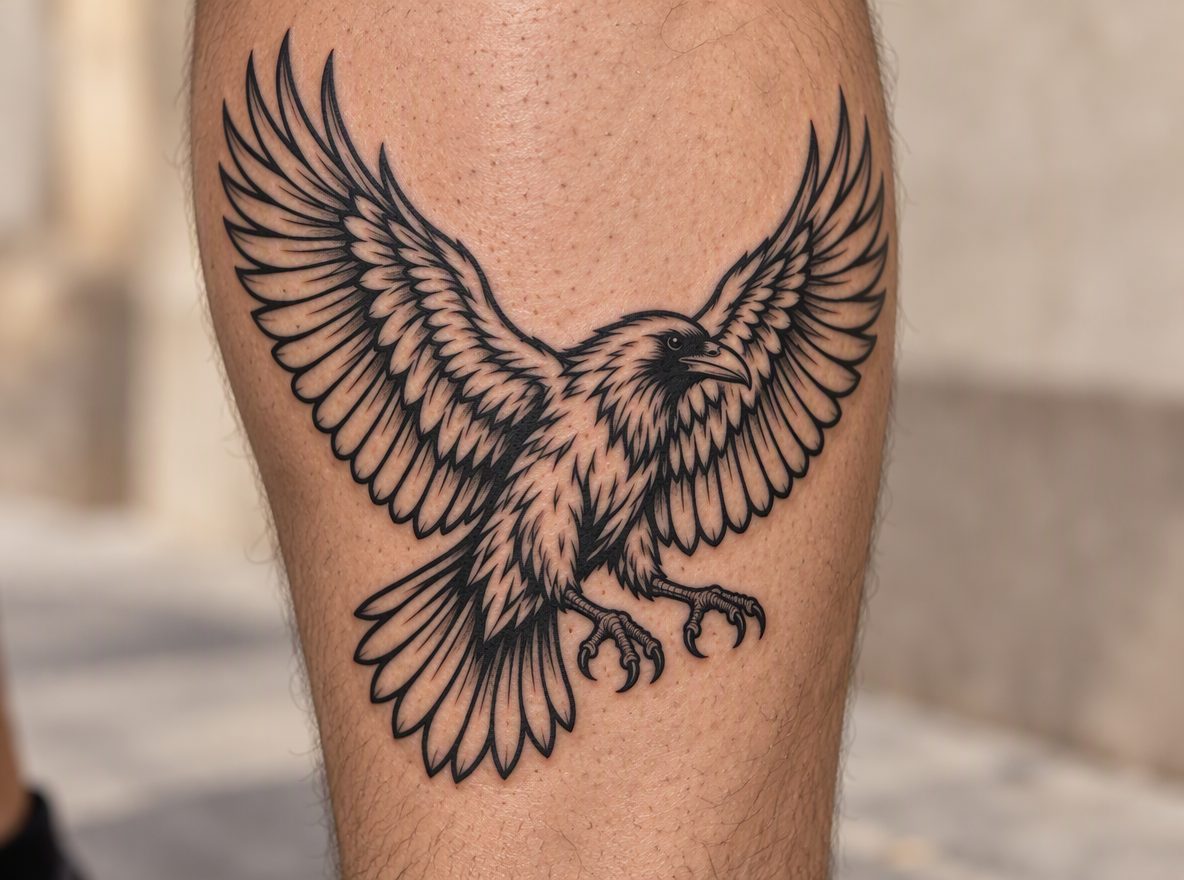
Blackwork
Ravens, solid shapes and heavy linework converted into clean stencil outlines.
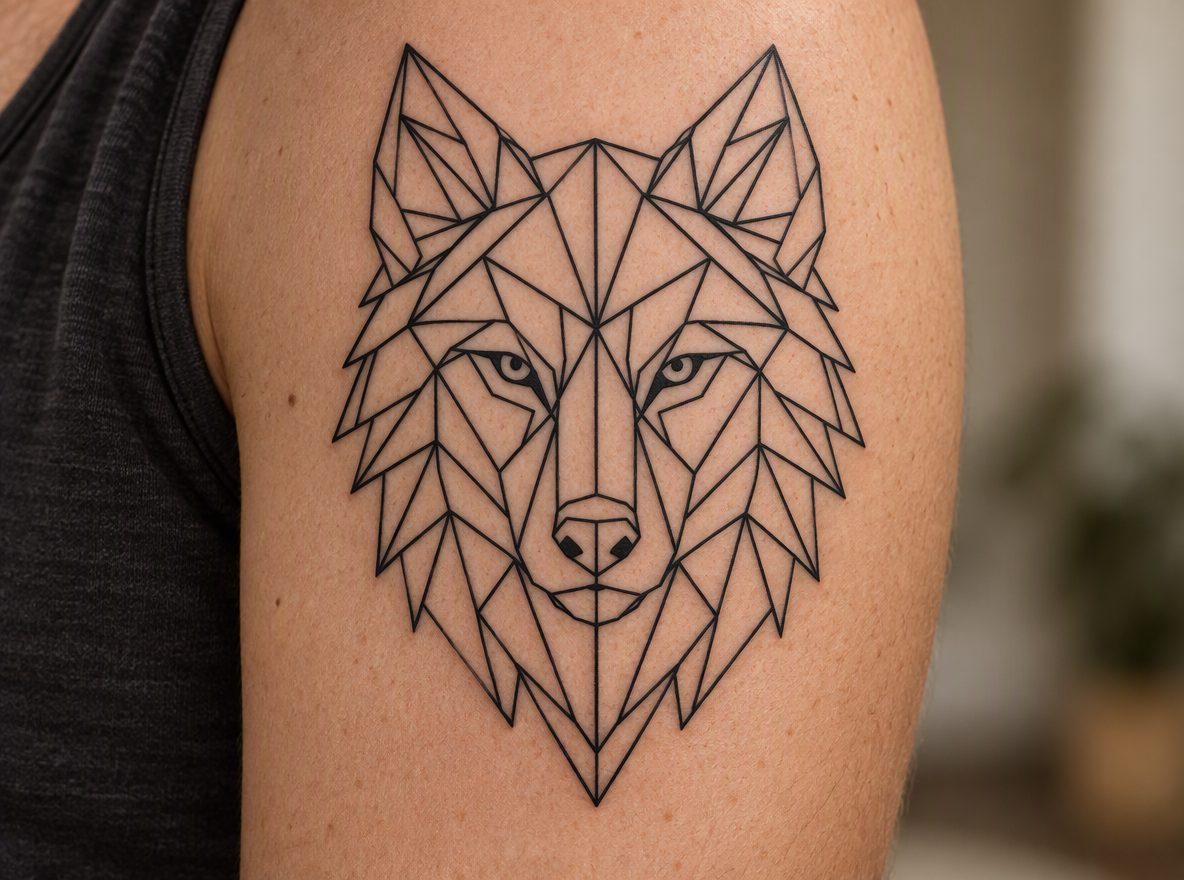
Geometric
Wolves, mandalas and straight-line designs where symmetry matters.
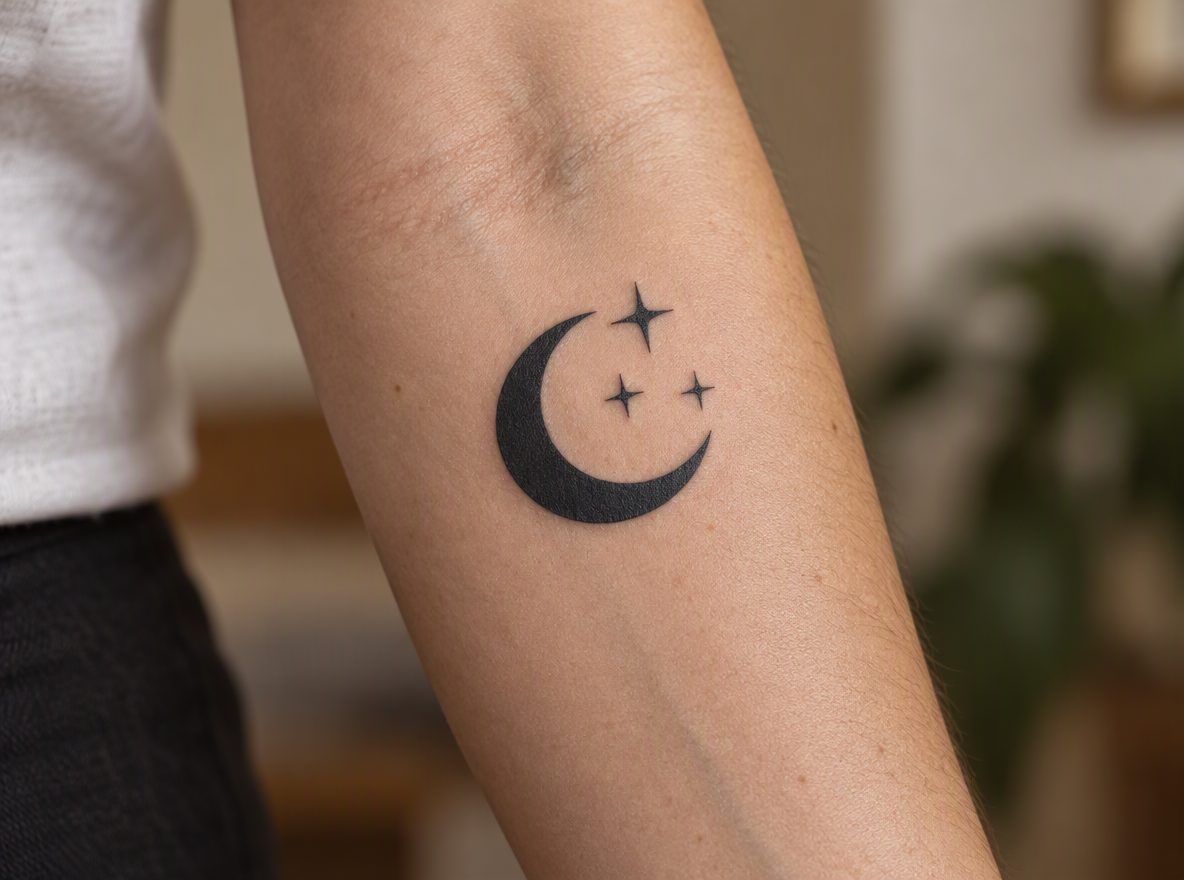
Symbols and minimal
Moons, waves and small icons that read clearly from across the room.
How it works
Design your tattoo in four steps
- 01
Describe the piece
Name the subject, style and placement — or upload a reference.
- 02
Pick from 1–4 options
Every round returns four original AI tattoo designs.
- 03
Try it on
Drag it onto a photo of your skin and set the width in cm.
- 04
Stencil & print
Convert to clean line art and print at 100% with a 1 cm check.
FAQ
AI tattoo generator questions
How does the AI tattoo generator work?+
Describe the subject, pick a style and generate. Each round returns four original design options. Pick one to try it on your photo, convert it to a stencil and set the real width in centimetres.
Can I take the design to a tattoo artist?+
Yes — that is the point. Designs are reference artwork for your consult. Share the design, try-on, size and notes in one link, and your licensed artist adapts the final piece.
Can I turn a photo or sketch into a tattoo stencil?+
Yes. Upload a reference you have the right to use and the stencil tab converts it into clean line art. Celebrity likenesses and well-known copyrighted characters are blocked.
Is the AI tattoo generator free?+
You can try on and convert designs to stencils without an account. Generating new designs needs a free account, which includes 3 free credits (1 credit = 1 generated image). Clean real-size exports come with a paid plan.
Will the tattoo look exactly like the AI image?+
No. AI designs are a starting point. Skin, placement and your artist’s technique change the final tattoo — which is why we focus on size, placement and a clean stencil.
Reference designs only. A licensed tattoo artist must review, adapt and apply. We block celebrity likenesses and copyrighted characters.