Tattoo try on — see a tattoo on your photo at real size
Upload a photo of the spot, mark a length you know (say 7 cm across your wrist), and every design is shown in real centimetres — the same size your artist will print.
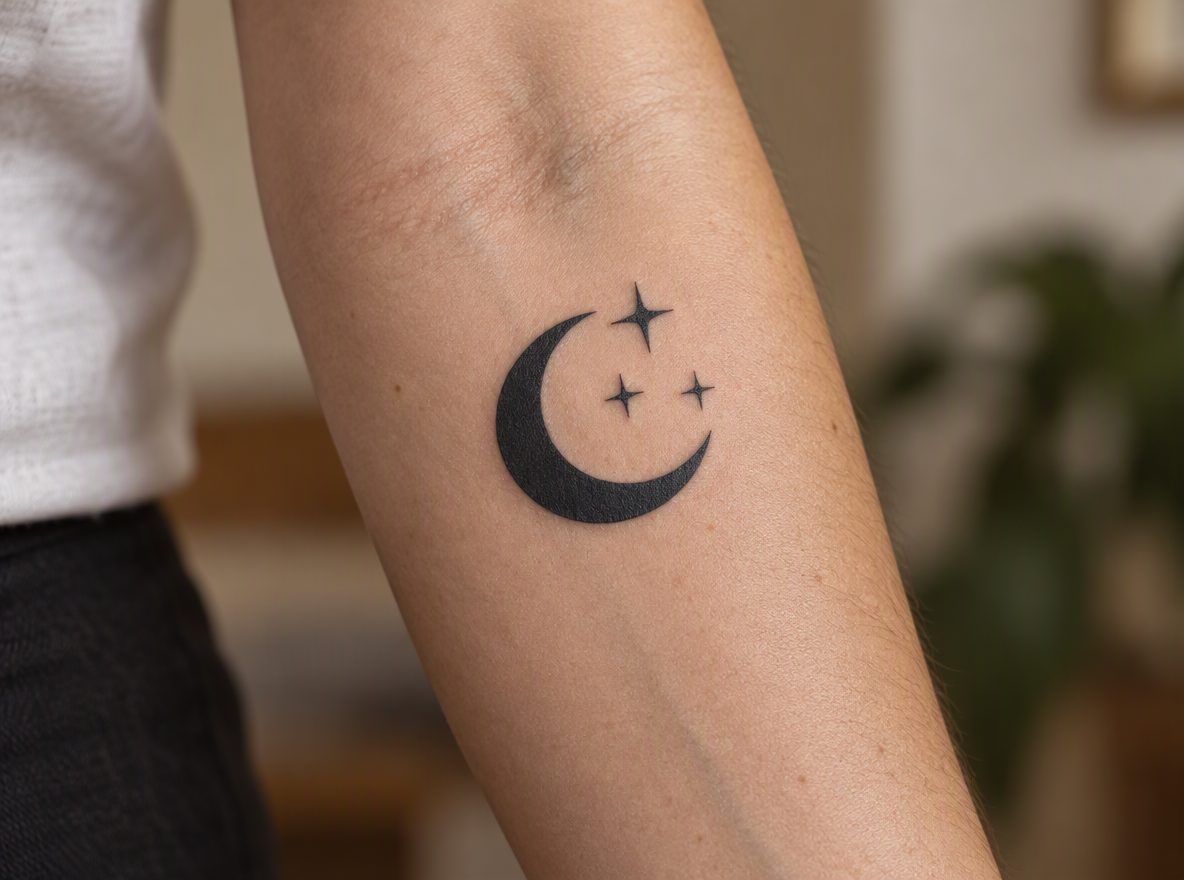 On skin
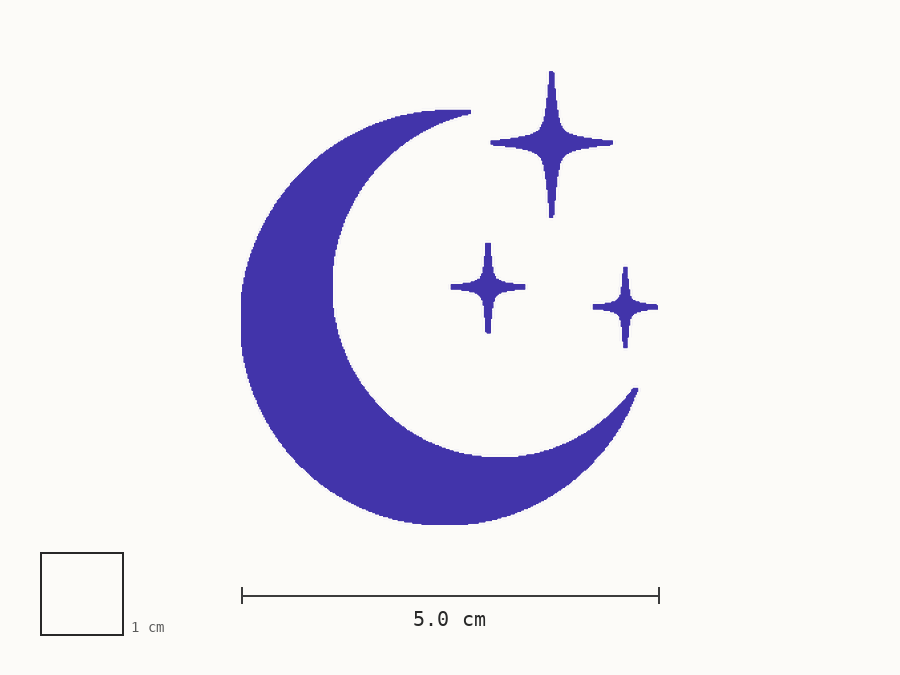 Stencil
Width on skin
5.0 cm
Prints at
100% · 1 cm ✓
STEP 2 / 4
Try it on
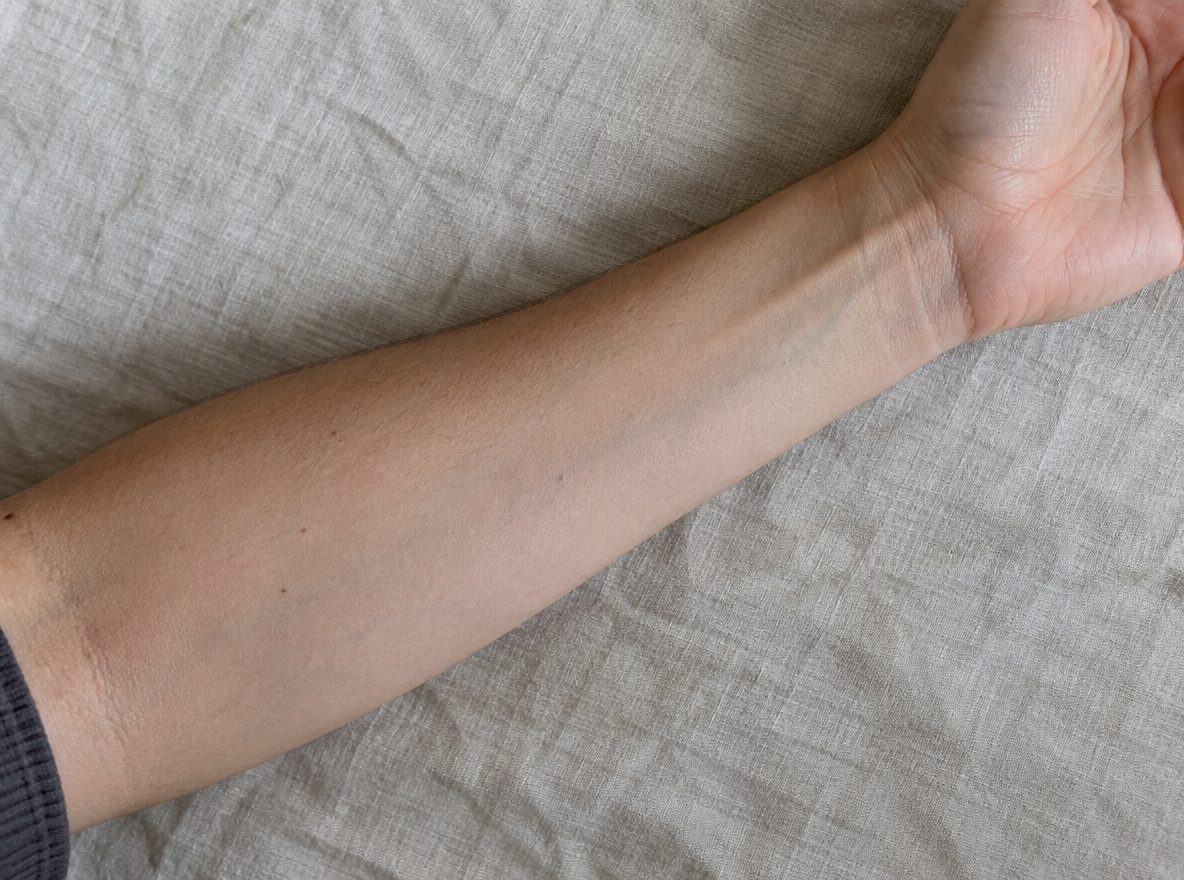
Drag the design on the photo. Sizes are real centimetres.
PhotoSample
Re-encoded in your browser, EXIF removed, not uploaded.
Size7.0 cm
AdjustForearm
Designs
9 examples
Features
A preview that looks like ink, measured like a stencil
Everything you need to decide size and placement before the consult.
Size calibration
Drag a line on your photo and enter its length. From then on, widths are shown in cm.
Looks like ink
Multiply blending and opacity so the design sits in the skin, not pasted on top of it.
Rotate & mirror
Follow the line of the arm, flip for the other side, and nudge until it feels right.
Your own photo
Wrist, forearm, ankle, collarbone, ribs — any spot you can photograph straight on.
Private by default
Photos are re-encoded on your device (EXIF removed). During the beta, projects are saved in your browser.
Ready for your artist
Turn the preview into a real-size stencil and a consult pack link in one step.
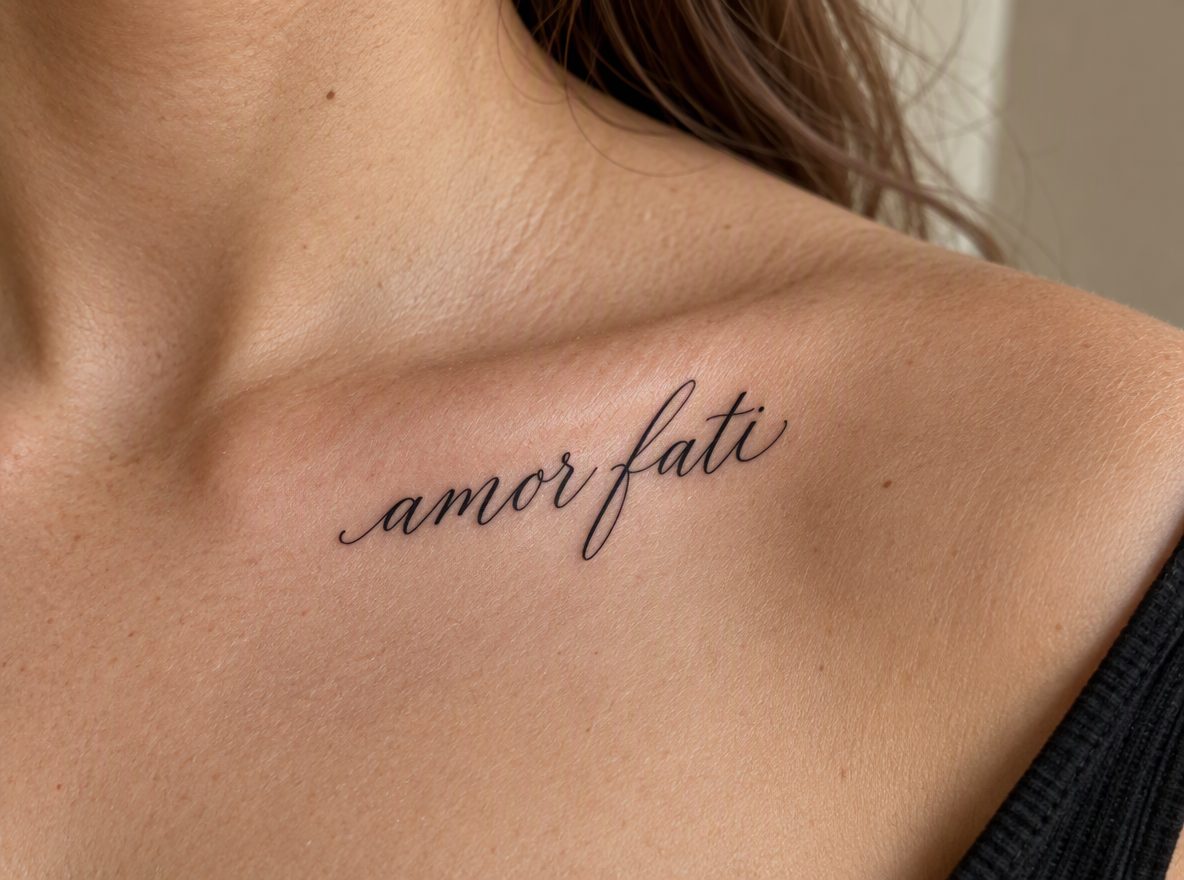
Why size matters
Two centimetres is the difference between delicate and lost
Fine lines need room to heal, and lettering needs height to stay readable. Seeing the design on the actual spot, at the actual width, is the fastest way to know whether it works — and to walk into the studio with a number instead of a guess.
- Widths shown in centimetres, not percentages
- Compare a few sizes side by side before you choose
- The stencil exports at exactly the width you picked
How it works
From photo to stencil in four steps
- 01
Describe or upload
Type an idea and pick a style — or start from a reference you have the right to use.
- 02
Pick a direction
Generate 1 to 4 original designs at once — 1 credit per image, each with its own variation. Keep the one that feels right.
- 03
Try it on, in cm
Place it on a photo of the spot, calibrated to real centimetres.
- 04
Print & share
Export a clean stencil at true size and send your artist one link.
FAQ
Try-on questions
Will AI replace my tattoo artist?+
No. TryStencil makes reference designs and a real-size stencil so your consult starts with the right size and placement. A licensed tattoo artist must review, adapt and apply every design.
Why must I print at 100%?+
The PDF is drawn at true physical size (1 cm on screen = 1 cm on paper). "Fit to page" rescales it. Every PDF has a 1 cm check square — measure it with a ruler before transferring.
Are my photos saved?+
Photos are re-encoded in your browser before upload, which removes location and camera data (EXIF). During the beta, projects are saved in your browser. A consult pack you share can be opened by anyone with the link until it expires or you revoke it.
Can I use a celebrity or a cartoon character?+
No. We block celebrity likenesses and well-known copyrighted characters. Describe an original design instead — your artist will thank you.
How does my artist open the pack?+
You send a link. Your artist sees the design, the try-on, the stencil, the size and your notes — no account needed — and can download the stencil PDF.
How many credits does a generation use?+
One credit per image. The generator makes 1 image by default; you can pick 2, 3 or 4, and each image gets its own random variation in composition, angle, layout and line density. AI clean flash on an upload also costs 1 credit per image. If an image fails, it is not charged.
Get started
See it on your skin before it’s permanent
Three free credits. No card needed.
Reference designs only. A licensed tattoo artist must review, adapt and apply. We block celebrity likenesses and copyrighted characters.