Decide what, where and how big — before you book
TryStencil ends with something your artist can actually use: a stencil printed at real size and a one-page consult brief.
- 01
Describe or upload
Type an idea and pick a style — or start from a reference you have the right to use.
- 02
Pick a direction
Generate 1 to 4 original designs at once — 1 credit per image, each with its own variation. Keep the one that feels right.
- 03
Try it on, in cm
Place it on a photo of the spot, calibrated to real centimetres.
- 04
Print & share
Export a clean stencil at true size and send your artist one link.
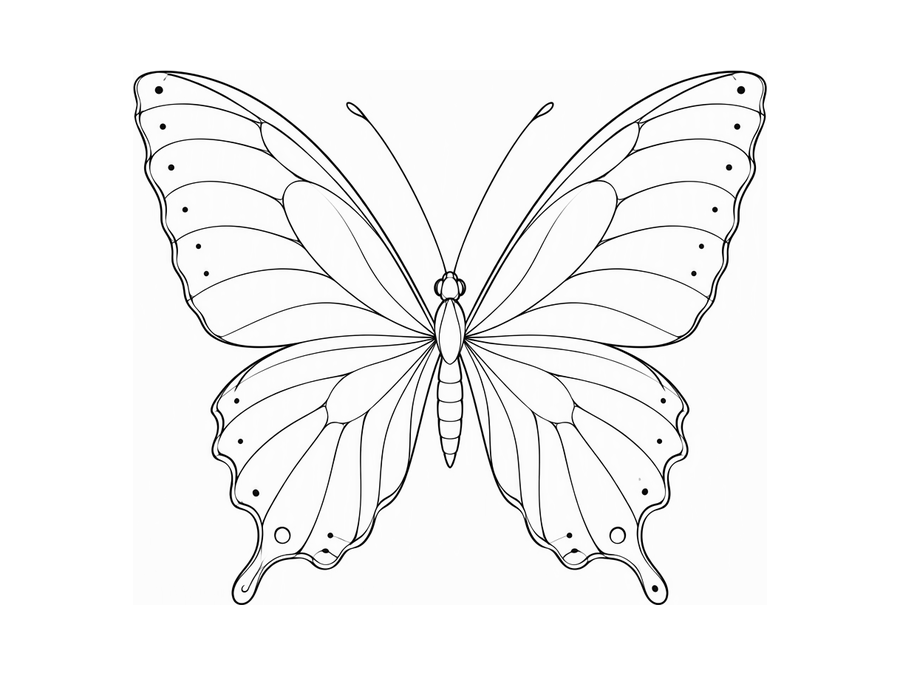
Step 01
Describe the idea — or upload a reference
Type what you want (“fine line butterfly, minimal”) and pick a style. You can also start from an image you have the right to use. Celebrity likenesses and well-known characters are blocked.
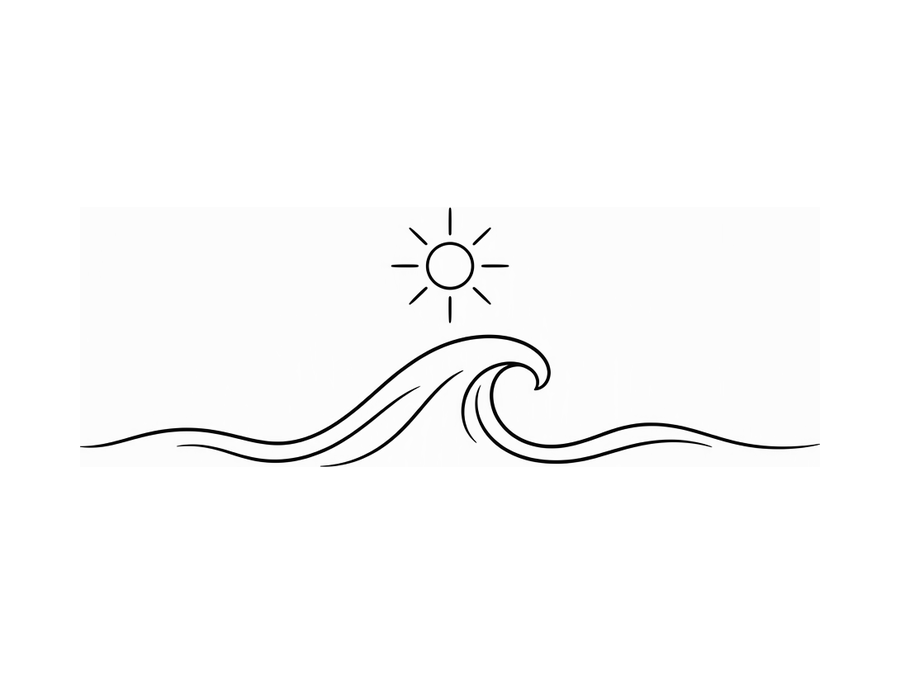
Step 02
Pick from four directions
Each round gives you four original options. Keep the one that feels right, or run another round with a tweak.
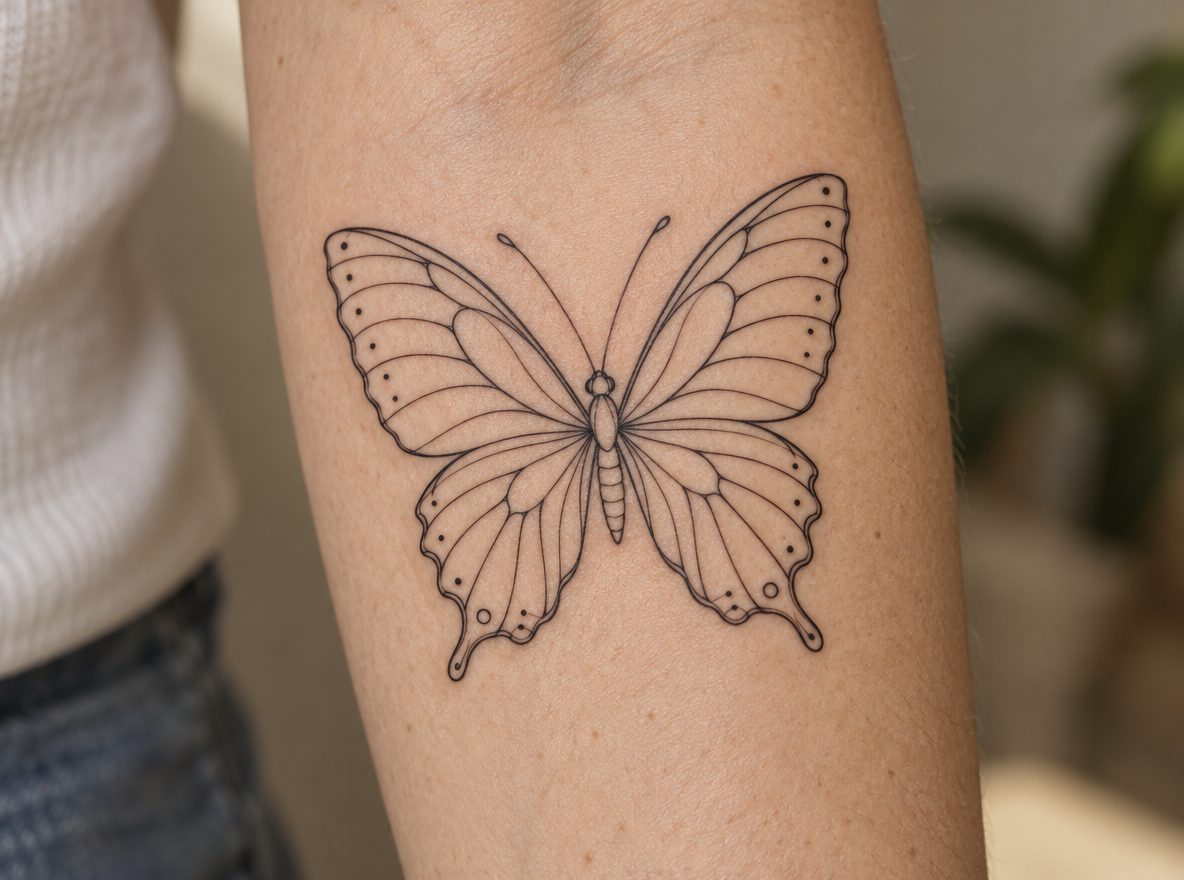
Step 03
Try it on, calibrated in cm
Upload a photo of the spot and mark a length you know. Move, rotate, mirror and resize — the width is always shown in real centimetres.
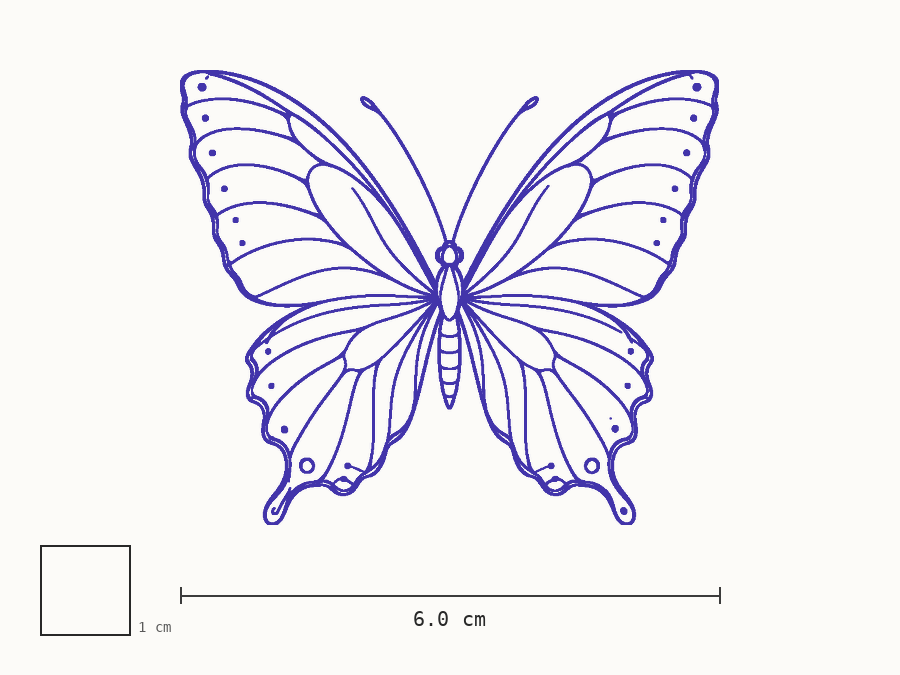
Step 04
Print the stencil and share the pack
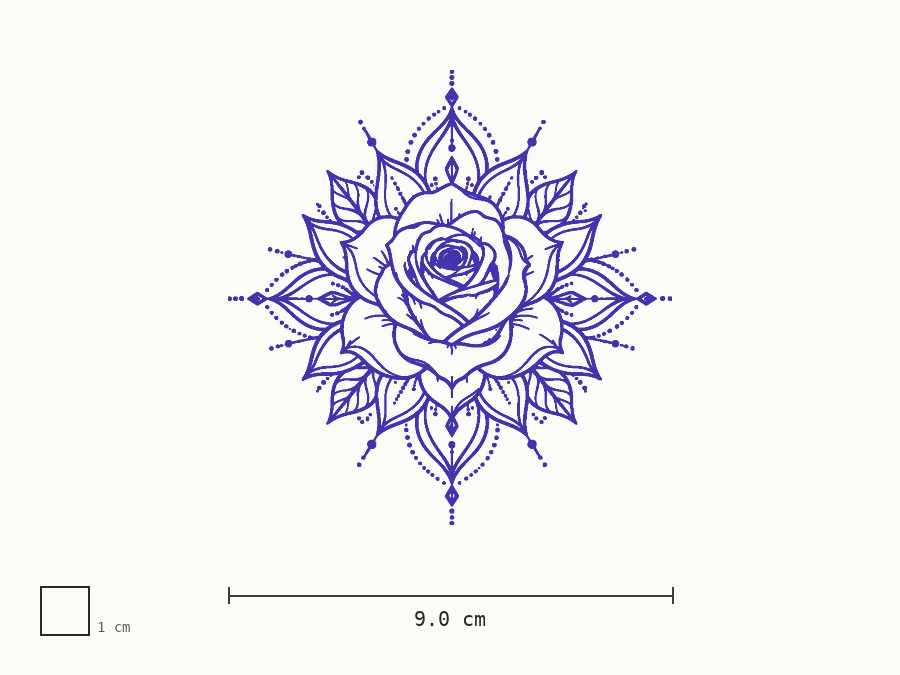
Export clean line art at the exact width with a 1 cm check square, then send your artist one link with the design, try-on, size and your notes.
Printing at real size
Four steps to a stencil that prints true
- 01Download the stencil PDF (Letter or A4).
- 02In the print dialog choose 100% / Actual size. Turn off “Fit to page”.
- 03Measure the 1 cm check square with a ruler. If it is off, fix the printer scaling and print again.
- 04Use thermal or inkjet transfer paper, or hand the PDF to your artist.
For tattoo artists
Clients arrive with size and placement decided.
Reference in, clean stencil out — at the exact width, ready for your thermal printer. Artist plan $19/mo, first 30 days free for approved artists.
FAQ
Questions about the process
Will AI replace my tattoo artist?+
No. TryStencil makes reference designs and a real-size stencil so your consult starts with the right size and placement. A licensed tattoo artist must review, adapt and apply every design.
Why must I print at 100%?+
The PDF is drawn at true physical size (1 cm on screen = 1 cm on paper). "Fit to page" rescales it. Every PDF has a 1 cm check square — measure it with a ruler before transferring.
Are my photos saved?+
Photos are re-encoded in your browser before upload, which removes location and camera data (EXIF). During the beta, projects are saved in your browser. A consult pack you share can be opened by anyone with the link until it expires or you revoke it.
Can I use a celebrity or a cartoon character?+
No. We block celebrity likenesses and well-known copyrighted characters. Describe an original design instead — your artist will thank you.
How does my artist open the pack?+
You send a link. Your artist sees the design, the try-on, the stencil, the size and your notes — no account needed — and can download the stencil PDF.
How many credits does a generation use?+
One credit per image. The generator makes 1 image by default; you can pick 2, 3 or 4, and each image gets its own random variation in composition, angle, layout and line density. AI clean flash on an upload also costs 1 credit per image. If an image fails, it is not charged.
Reference designs only. A licensed tattoo artist must review, adapt and apply. We block celebrity likenesses and copyrighted characters.